Murdoku digital options
Murdoku app or official online game: what is the difference?
The official Murdoku experience is available in the browser at murdoku.com. Mobile stores may also list similarly named apps from other developers. Treat those as separate products unless the official Murdoku site links to them.
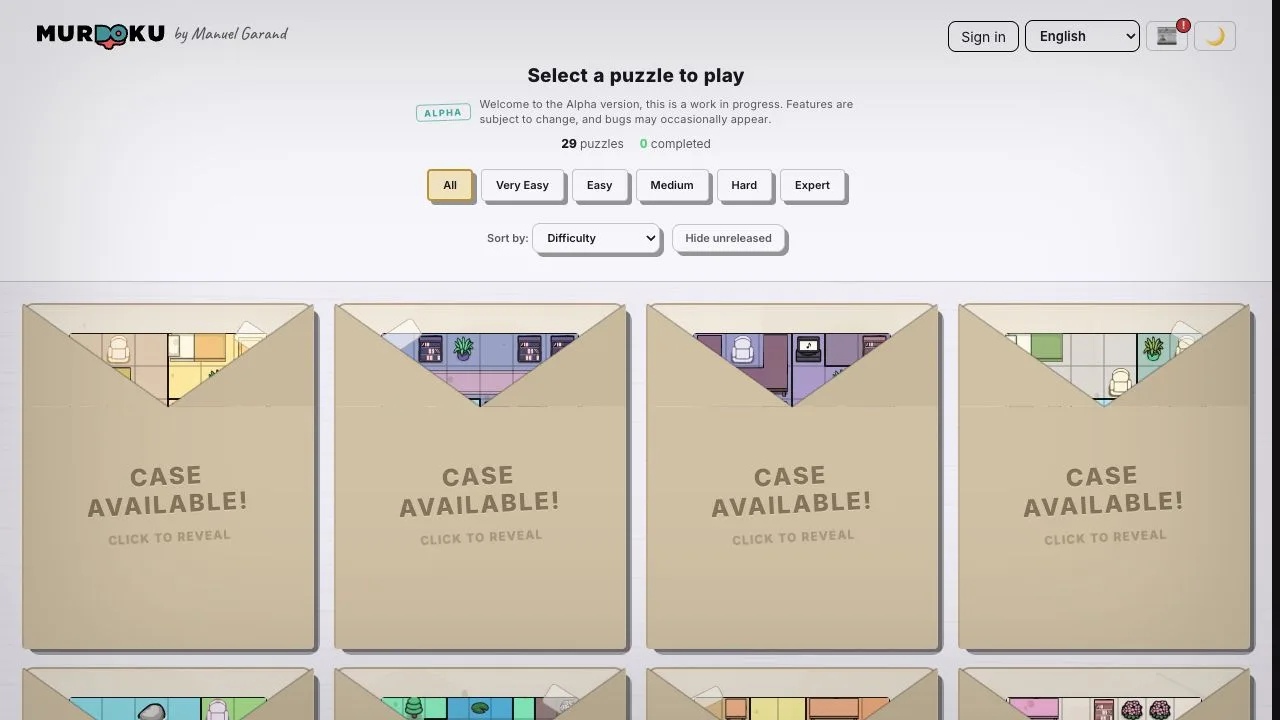
- Official web game
- murdoku.com/play
- Download required
- No for the web version
- Store listings
- Verify the developer before installing
The official browser version
Murdoku's official site offers a puzzle catalog that runs directly in a modern browser. It supports multiple languages, difficulty filters, and progress features. You can start without installing an app, which also makes the official URL the safest reference point when a store listing is unclear.
- Created around Manuel Garand's official puzzle catalog.
- Runs on desktop, tablet, and mobile browsers.
- No APK or sideloaded installer is needed.
What about the Android app called Murdoku?
Google Play currently has a listing named Murdoku published by Apo-Games. Its store description advertises handcrafted cases and a level editor. That is a separate developer identity from the official web creator, so this guide does not label it as the official app.
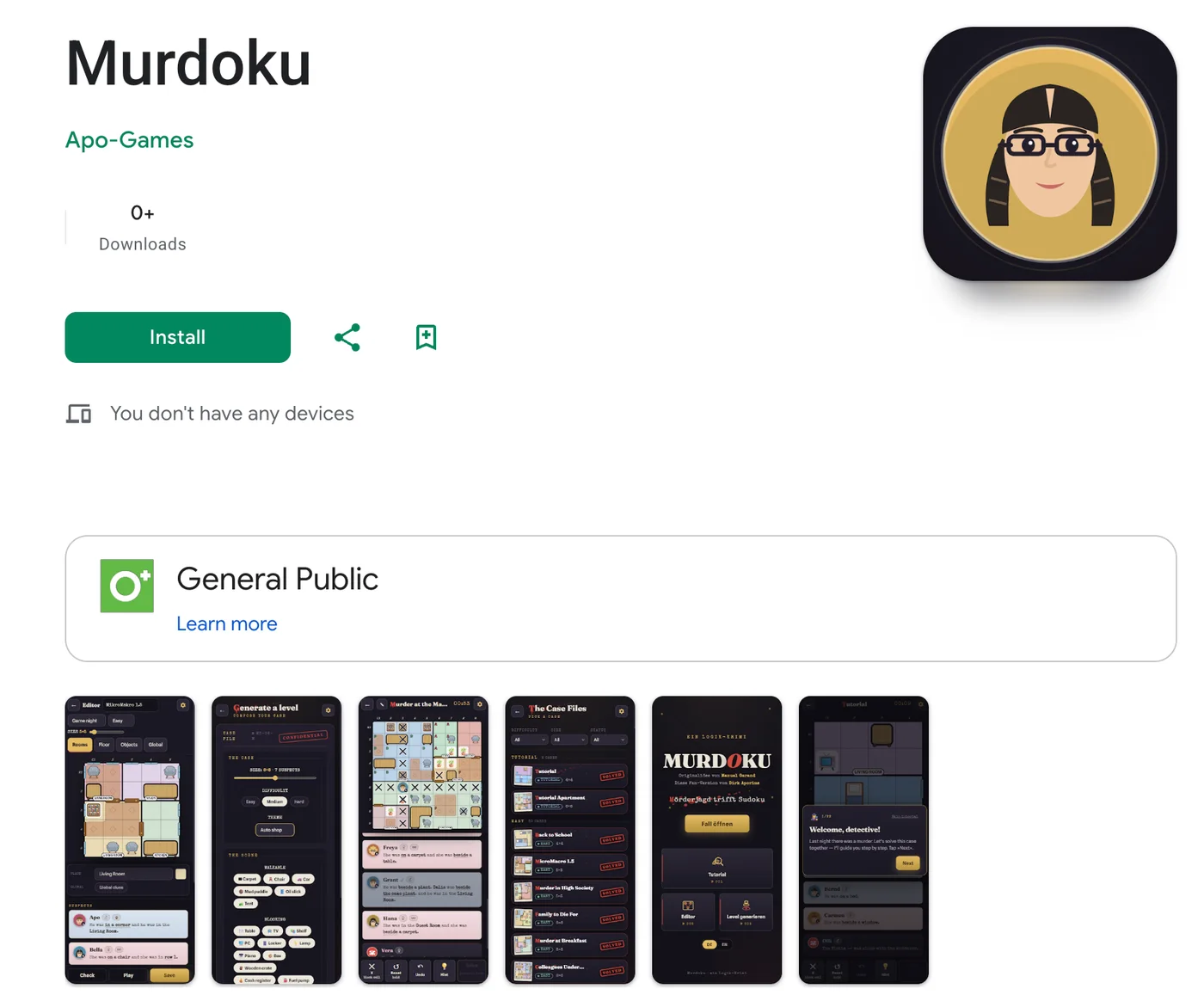
Official web and store app compared
Choose based on provenance first, features second. A similar name or game loop is not proof of affiliation.
| Check | Official Murdoku web | Apo-Games store app |
|---|---|---|
| Where | murdoku.com/play | Google Play |
| Publisher identity | Murdoku / Manuel Garand | Apo-Games |
| Install | No | Yes |
| Editor | Creator tools may evolve on the site | Store description advertises a level editor |
| Affiliation | Official source | Separate listing; verify independently |
How to download safely
Avoid APK mirror sites and search-result download buttons. Open the official website first or the platform's own store, read the developer name, update date, privacy section, permissions, and support contact. If an iOS listing cannot be verified from an official or Apple source, do not assume an Android listing has an iPhone equivalent.
Which option should you use?
Use the official web version when you want the creator's released catalog, language options, and no installation. Consider a third-party app only when its own feature set is what you want and you are comfortable that it is a separate product.
Murdoku app FAQ
Is there an official Murdoku app?
The clearly verified official option is the browser game linked by Murdoku's own site. Store listings should be checked by developer identity rather than name alone.
Can I play Murdoku on a phone without downloading?
Yes. The official browser game is designed to run on mobile browsers.
Is the Apo-Games app the same as the official website?
No. It is a separate store listing from a different developer.
Should I download a Murdoku APK?
Use a trusted platform store or the official browser site. Avoid unverified APK mirrors.
Related Murdoku guides
Sources checked
This independent guide does not claim affiliation between separately published apps and the official Murdoku website.